Find the part that feels like yours.
A map can hold the whole city or a few blocks. Start by choosing the thing you want to keep: a street, a park, a river bend, or the shape of a place you recognize.
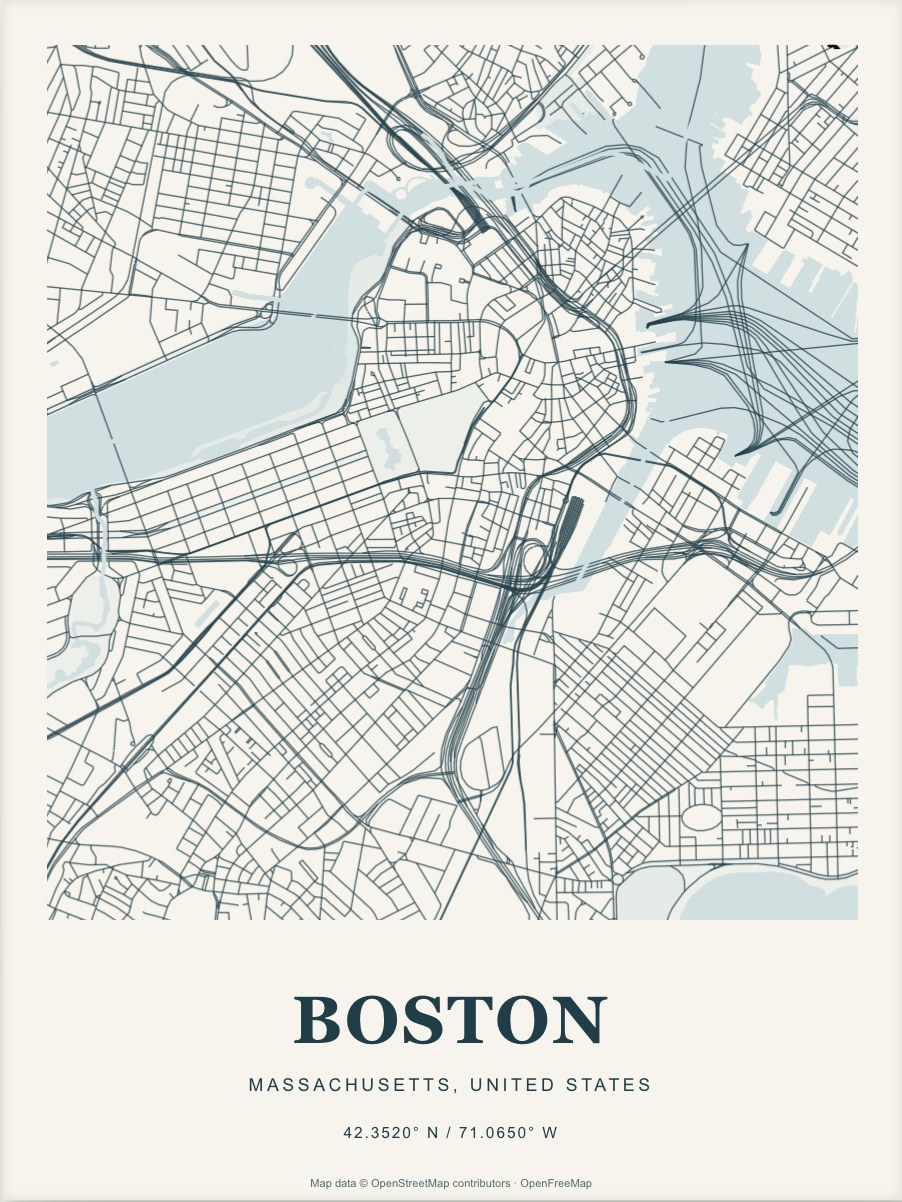
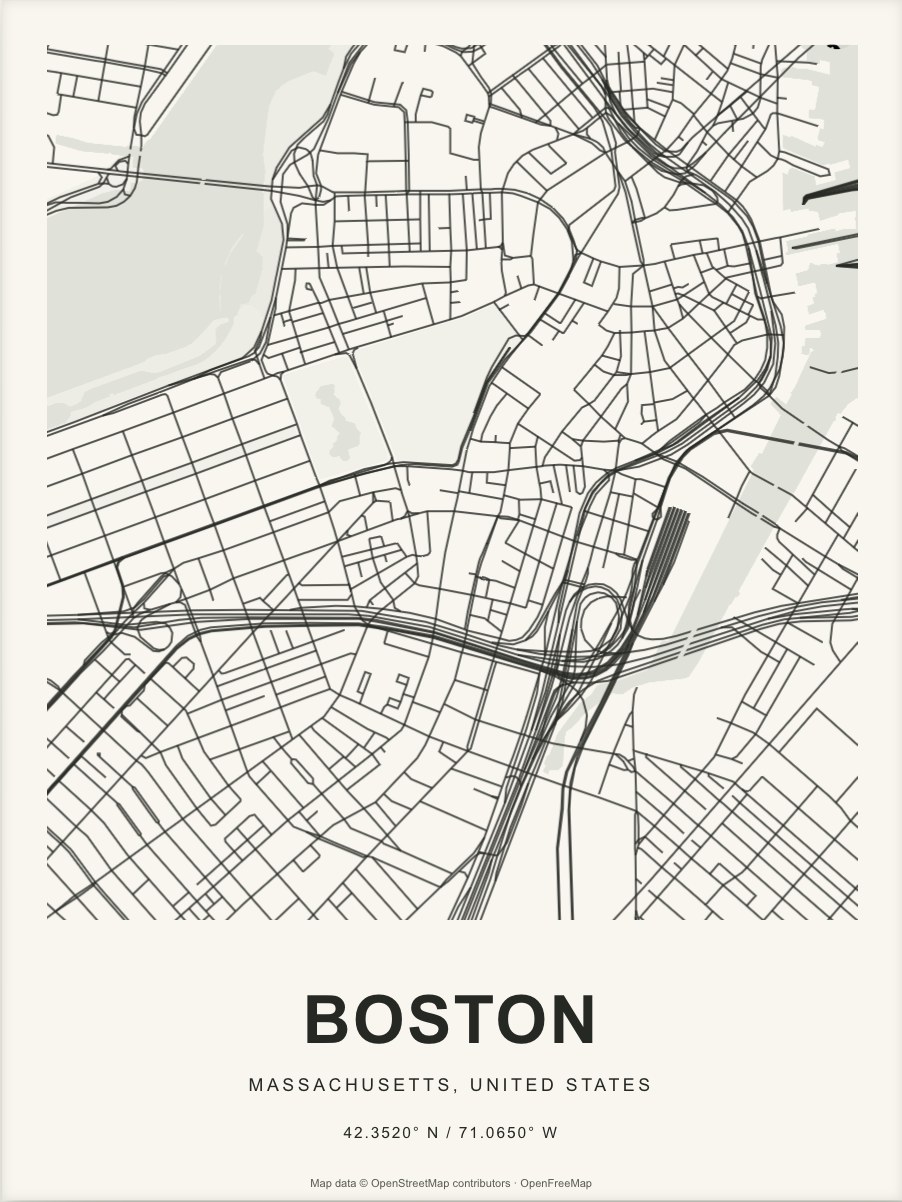
Move first. Then zoom.
Search for your place and put it near the center. Zoom in a little at a time. This is easier than zooming far into a city center and dragging a long way to the neighborhood you meant to show.
Leave enough context.
A nearby river, a park, or an unusual intersection can help a close map read as a place. Keep one or two of those features if they matter to you. If the print is about an exact address, a marker can identify it without putting the full address in the title.
Watch the edges.
The paper cuts the map at its edges. A road continuing out of the frame can look natural; half of a large neighborhood name may be harder to read. Check the typography after every change in crop or orientation.
Finish with the words.
Once the view feels right, choose a title and a short line underneath it. You can keep the city name, use the name of a home, or add a date. Save the design and keep its link somewhere you can find it again.
Find a map to start with ↗